Ask for the review while they're still smiling
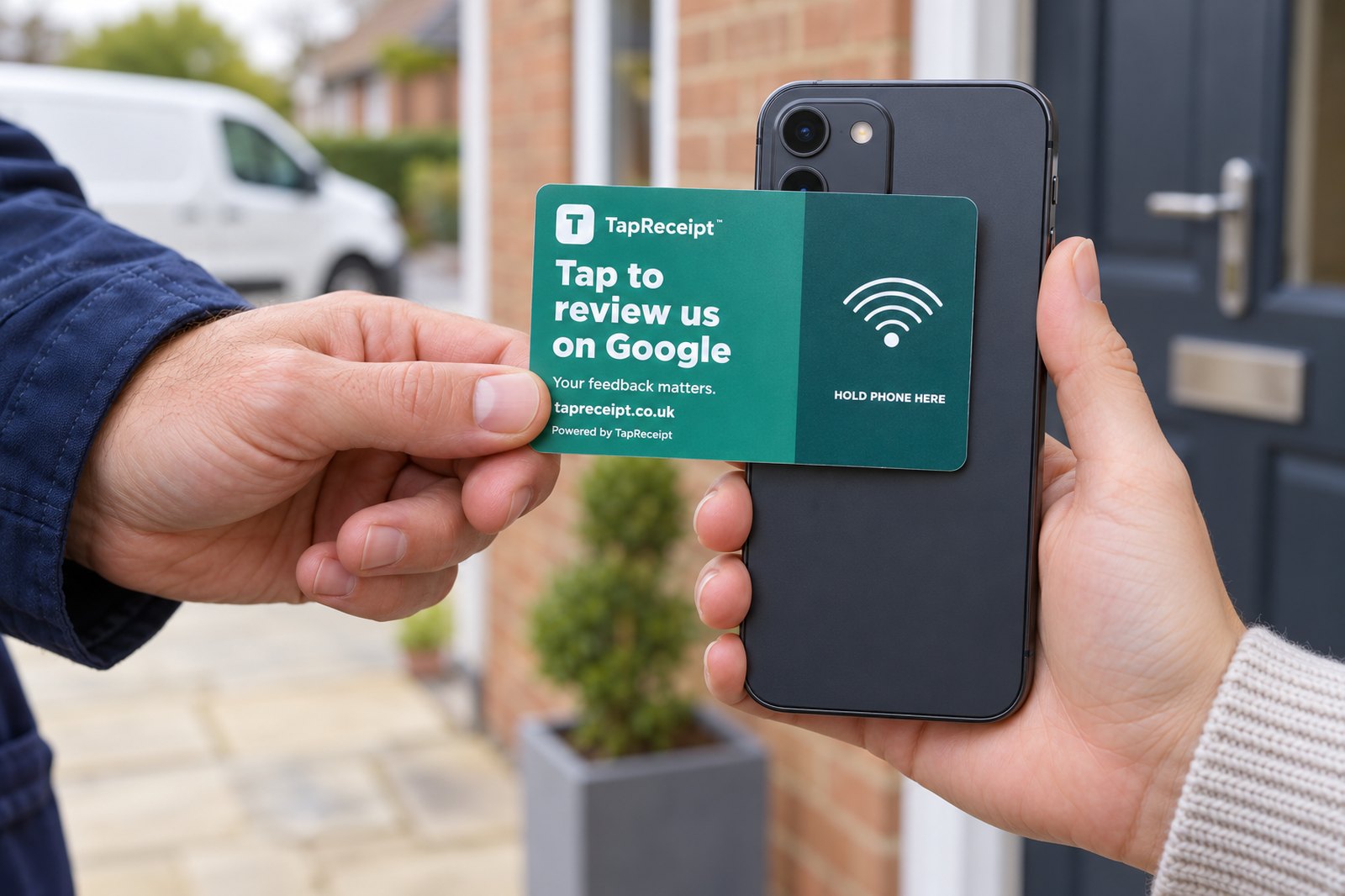
A card your technician keeps in their pocket. Job done, customer happy, hold the card to their phone — their Google review page opens. Every tap is counted, so you know the asking is actually happening.
Most review requests arrive too late
An email or text the next day gets read, maybe, and acted on rarely. A tap while the customer is standing in front of your technician, pleased with the job, is a different moment altogether.
Right moment, right person
The review is asked for by the person who did the work, at the end of the job. That's when people say yes.
One tap, no typing
No link to find, no search for your business. The phone opens your Google review page directly. Google asks the customer to sign in if they aren't already — that's Google's rule for every review.
You can see it's being used
Every tap is logged with the time and which card. Pair it with your card payments and the jobs where nobody asked stand out.
| Card payment | Taken by | Amount | Review offered? |
|---|---|---|---|
| Tue 14:32 | Dave | £180 | ✓ tap 14:35 |
| Tue 11:05 | Dave | £95 | ✗ paid, no review asked |
| Mon 16:40 | Dave | £240 | ✓ tap 16:41 |
| Mon 13:10 | Dave | £108 | ✓ tap 13:12 |
Taps lined up against jobs
Connect Zettle or Square (optional) and every card payment shows whether the review card was tapped within half an hour of it. Jobs paid in cash or by bank transfer don't appear as payments, but their taps still count.
- ✓ Taps today, this week, this month, with a day-by-day chart
- ✓ "Card jobs asked" — the share of card payments with a tap
- ✓ Name each card after a technician or van
- ✓ Choose which staff login carries the card, so only their jobs are counted
- ✓ Monthly summary email of customers sent to Google
Honest limit: Google doesn't tell us who went on to leave a review. We count taps — customers sent to your review page — and you compare that with the review count on your Google Business Profile.
Three steps, no equipment
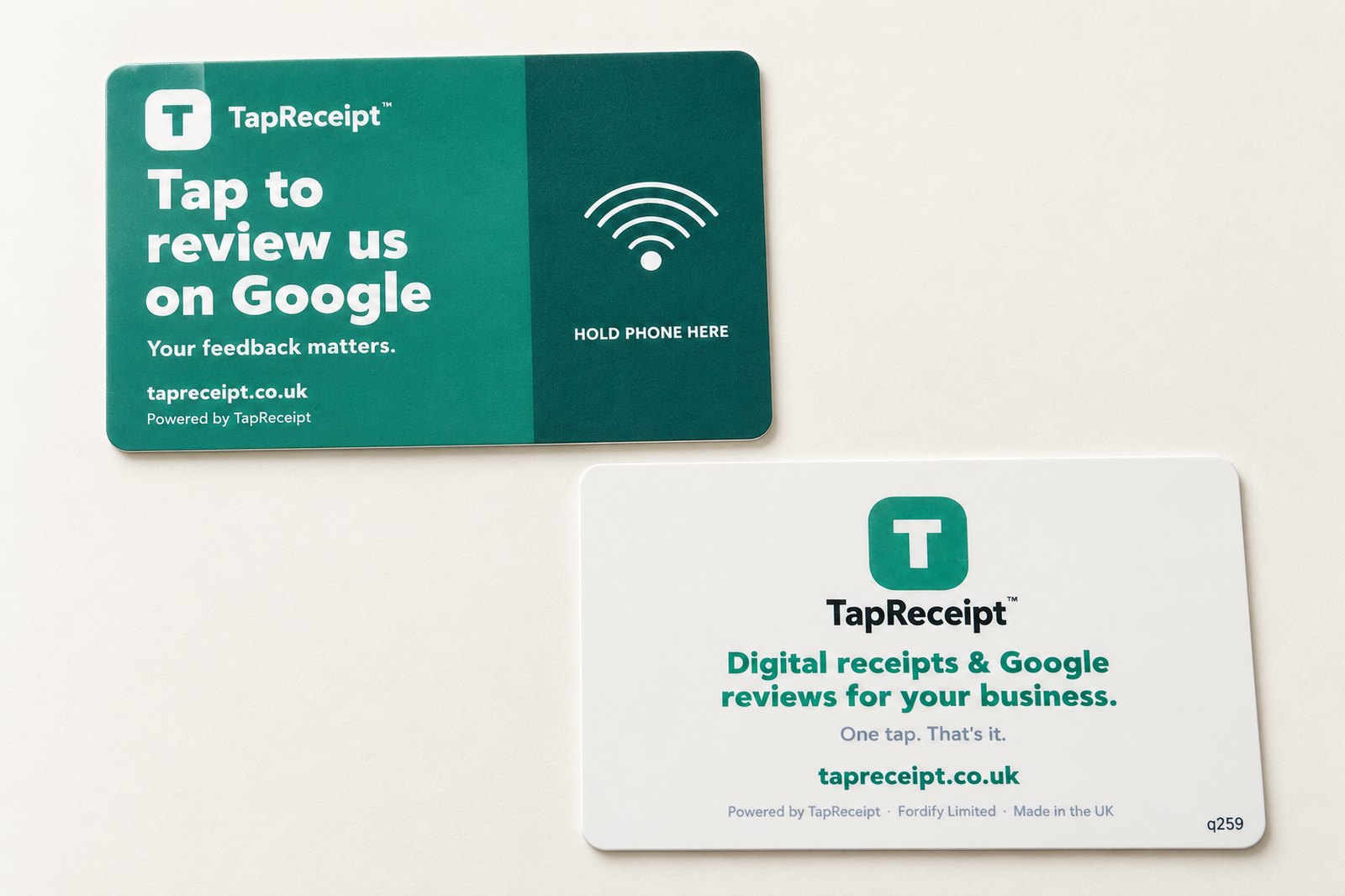
The card is the size of a bank card, printed with your instruction to the customer on the front and the card's code on the back. It needs no battery and nothing to pair.
Sign up and paste your review link
Free account. Your Google review link is in your Google Business Profile under "Ask for reviews". Paste it once; you can change it any time.
We post you the card
Already linked to your business. Give it to the person who's face-to-face with customers. One card per technician; add more whenever you like.
Tap at the end of every job
"Would you mind leaving us a quick review?" Hold the card to the customer's phone. Watch the taps arrive on your dashboard.
The things people ask
Does the customer need an app?
No. Both iPhones (XS and newer read the card automatically; iPhone 7 to X use the NFC reader in Control Centre) and Android phones with NFC switched on open the page straight from the tap.
Why does the phone sometimes ask the customer to sign in to Google?
Google requires a Google account to leave a review — that's true of every review link in the world, not just ours. Most phones are already signed in, so the review box opens straight away; the rest see Google's sign-in once.
Can you tell me who left a review?
No, and nobody can — Google doesn't share that. We show you how many customers were sent to your review page and when; you'll see the reviews themselves on your Google Business Profile.
Do I need a till system?
No. The reviews card works on its own. If you do connect Zettle or Square, the dashboard lines taps up against card payments so you can see which jobs the review was offered on.
What data does the card collect from my customers?
None. When a customer taps, we record the time and which card was used, then send their phone to Google. Nothing about the customer or their phone is stored.
What does it cost?
£5 per card per month, invoiced monthly. The first 100 businesses to join get three months free from the day the card arrives — the same launch offer as the receipt card. No setup fee, no contract; 30 days' notice to cancel.
Can I use the receipts card as well?
Yes, as a separate card — one card does one job. Businesses with a till can run both: receipt cards at the counter and review cards with the team. They show up on the same dashboard.
Put a review card in your technician's pocket
Free account, card posted to you. First 100 businesses get three months free; £5 a month per card after that.